Design, modify, and document workflows effortlessly with a drag-and-drop interface.

Work in real-time with remote teams for improved efficiency.

Maintain adherence to industry regulations and standards.

Manage user permissions and maintain process integrity.
Add annotations and comments to enhance process understanding.

Instantly share updated workflows across departments.
Designed for business analysts, process managers, and operational leaders.

Supports compliance frameworks such as ISO and BPMN.
Provides a 30-day free trial with full access to all features.
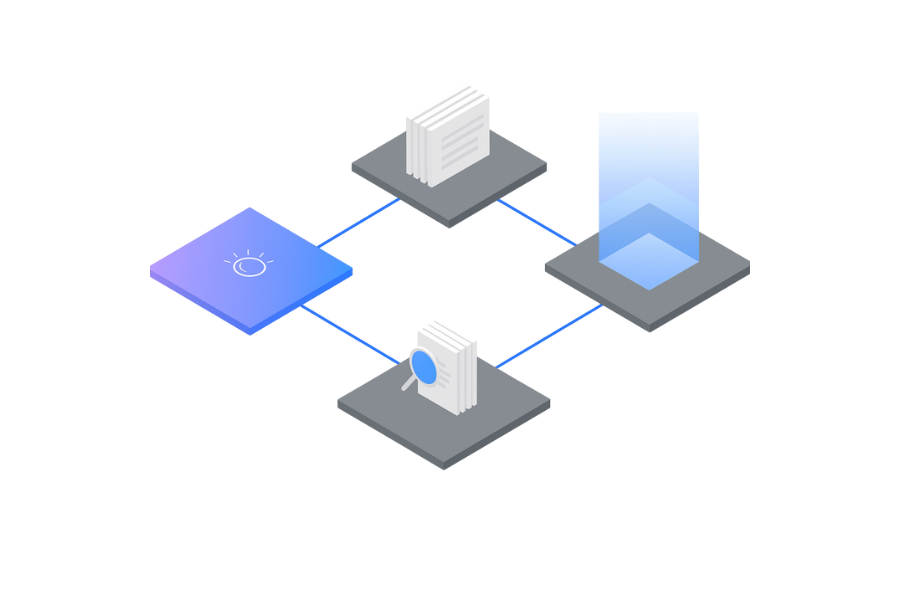
Accelerating Business Process Transformation with IBM Blueworks Live
A leading financial services organization sought to modernize and streamline its title insurance and settlement processes. With multiple departments, legacy workflows, and siloed task handoffs, operational inefficiencies created delays, compliance risks, and inconsistent customer experiences.
Partnering with Nexright, the company deployed IBM Blueworks Live as its enterprise process modeling and optimization platform. Blueworks Live enabled the organization to map existing processes, eliminate redundant steps, standardize workflows, and accelerate automation readiness — resulting in faster processing times, higher accuracy, and improved employee productivity.
Business challenge
The organization relied on heavily manual, disjointed operational processes across underwriting, search, verification, settlement, and customer communications. As transaction volumes increased, operational bottlenecks and inconsistent process execution impacted turnaround times and team efficiency.
Key Challenges:
- Fragmented and undocumented processes, varying significantly across teams.
- High manual effort for repetitive tasks, increasing operational cost and error rates.
- Limited visibility into process performance due to lack of standardization.
- Compliance vulnerabilities stemming from inconsistently followed workflows.
- Inability to scale operations without increasing staffing levels or overtime.
The organization needed a centralized, collaborative process discovery and optimization platform to redesign workflows, accelerate automation, and standardize enterprise operations.
Solution
Working with Nexright, the organization implemented IBM Blueworks Live as a unified platform for process discovery, documentation, and redesign. Nexright guided the enterprise through structured process mapping workshops, automation assessments, and governance frameworks to support long-term transformation.
Solution Highlights:
- End-to-End Process Mapping: Documented every step of title search, underwriting, verification, settlement, and post-closing processes with clear ownership and rules.
- Process Standardization: Eliminated inconsistencies by defining uniform workflows and templates used by all teams.
- Automation Readiness: Identified repetitive, high-volume tasks suitable for workflow automation and robotic automation.
- Improved Governance: Established a central source of truth for processes, ensuring compliance and structured change management.
- Cross-Functional Collaboration: Enabled real-time collaboration between operations, compliance, IT, and automation teams.
Solution components
- IBM Blueworks Live
- IBM Cloud Pak for Business Automation (integration-ready environment for future workflow automation)
Collaborative Process Discovery
Empowered teams to visually model complex workflows, accelerating clarity, redesign, and alignment across stakeholders.
Centralized Process Repository
Provided a single authoritative source for all documented processes, version control, and compliance management.
Automation Opportunity Identification
Analyzed bottlenecks and repetitive work to prioritize high-impact automation candidates.
Result
- Reduced processing time by 30%, significantly accelerating title insurance workflows.
- Improved employee productivity, reducing the burden of repetitive and manual tasks.
- Enhanced compliance through standardized and fully documented processes.
- Accelerated automation deployment, supported by clear, validated process maps.
- Increased customer satisfaction, thanks to faster turnaround and fewer errors.
With Blueworks Live, we finally achieved complete visibility into how our processes truly operated. Nexright helped us standardize workflows, eliminate inefficiencies, and lay the groundwork for future automation. The improvement in productivity and operational clarity has been transformational for our teams.
— Head of Operations, Leading Financial Services Provider
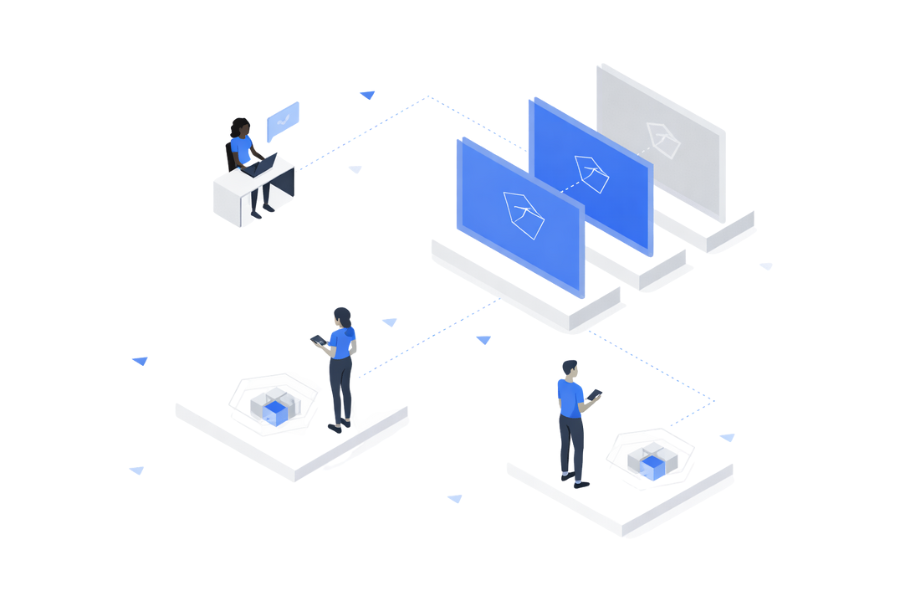
Transforming Regulatory and Operational Processes with IBM Blueworks Live
A major government heritage organization sought to modernize and streamline its complex regulatory, permitting, and architectural review workflows. Legacy manual processes were slowing approvals, increasing operational overhead, and creating data inconsistencies that impacted delivery timelines.
By partnering with Nexright and deploying IBM Blueworks Live, the organization captured end-to-end process knowledge, standardized workflows, and established a transparent digital operating model. This resulted in faster approvals, improved accountability, and a scalable foundation for future automation initiatives.
Business challenge
The organization’s operational processes were fragmented across departments—construction approvals, architectural reviews, regulatory compliance checks, and contractor coordination. Most workflows relied on email, spreadsheets, or informal knowledge held by individual staff.
This created major inefficiencies:
Key Challenges:
- Siloed and inconsistent processes that varied by team, region, and project lead.
- Limited visibility into project milestones, delays, and accountability.
- Manual documentation and handoffs, increasing errors and slowing approvals.
- Difficulty adapting processes during COVID-19 due to remote working constraints.
- Inability to scale operations to support multiple simultaneous heritage renovation projects.
The organization needed a structured, cloud-based platform to map, standardize, and optimize all business processes—while enabling rapid onboarding of new teams.
Solution
Nexright implemented IBM Blueworks Live as the central process discovery and documentation platform. Working across technical, regulatory, and field teams, Nexright facilitated collaborative workshops to uncover undocumented processes, map variations, and consolidate best-practice workflows.
Solution Highlights:
- End-to-End Process Mapping
Captured detailed workflows for planning, structural assessments, contractor onboarding, procurement, and approvals. - Standardized Operating Model
Consolidated fragmented procedures into unified, repeatable processes usable across departments. - Rapid Process Redesign
Used Blueworks Live process playbacks to remove bottlenecks, streamline handoffs, and automate manual tasks. - Cross-Team Collaboration
Enabled real-time participation among engineering, compliance, finance, and construction-management teams. - Cloud-Based Process Repository
Provided a single source of truth for all workflows—accessible remotely during COVID-19 disruptions.
Solution components
- IBM Blueworks Live
- IBM Cloud® (Secure hosting and enterprise governance)
- Nexright Process Modernization Framework
Unified Process Repository
Centralized documentation of all operational, regulatory, and construction workflows—ensuring visibility, version control, and process ownership.
Collaborative Process Discovery
Live workshops with SMEs captured tacit knowledge and eliminated inconsistent, undocumented steps.
Rapid Process Simulation & Optimization
Teams could run “what-if” scenarios, identify delays, and optimize workflows before implementation.
Result
- Significantly accelerated workflow approvals, reducing project review cycles and administrative delays.
- Improved cross-team coordination with a shared understanding of responsibilities and timelines.
- Reduced operational errors and rework through standardized process mapping and documentation.
- Maintained uninterrupted operations despite COVID-19 disruptions, thanks to cloud-based collaboration.
- Strengthened compliance oversight across heritage and structural regulatory workflows.
Blueworks Live helped us uncover inconsistent legacy processes and rebuild them into a unified operating model. This clarity transformed our ability to manage complex construction and regulatory workflows. Even through COVID-19 disruptions, the team was able to stay aligned and productive thanks to the platform’s flexibility.
— Program Director, Government Heritage Agency

“As soon as we saw IBM Blueworks Live, we immediately recognized that the simplicity of it was going to allow a lot of people to participate quickly.”
Carla Wolfe, Vice President, Enterprise Performance Excellence